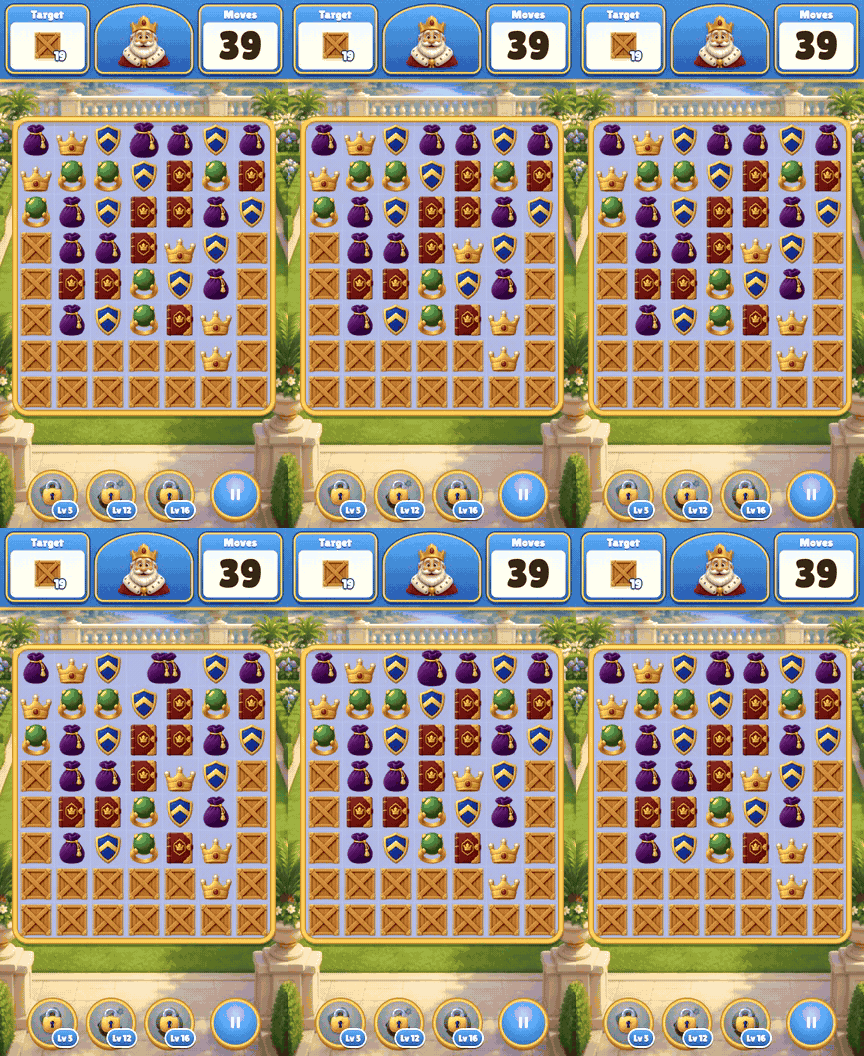
You don't need a gaming PC or a 10 GB engine download to make a game online. Several free tools run entirely in the browser, on a laptop, a Chromebook or even a phone. This guide compares them and walks you through making a game online for free in about 20 minutes.
Why make a game online instead of installing an engine?
- Nothing to install. School and work computers often block downloads.
- Works on low-end devices. The heavy lifting happens in the cloud or in a light web app.
- Easy to share. Browser games open from a link, so friends can play instantly.
- Saved automatically. Your project lives in your account, not on one machine.
The trade-off is control. Big 3D projects still belong in desktop engines.
Free online game makers compared
| Tool | Runs in browser | How you build | Best for |
|---|---|---|---|
| Scratch | Yes | Code blocks | Learning programming, kids, classrooms |
| GDevelop | Yes (also desktop) | Visual events | 2D games with more control |
| Construct | Yes | Visual events | 2D games; free tier is limited |
| EvonX | Yes | Plain-language prompts | Fast playable 2D games shared by link |
If you want to learn logic step by step, Scratch is a classic. If you want a playable game quickly without learning a tool first, a browser game maker driven by AI is the shortest path.
Walkthrough: make a game online in 20 minutes
1. Write your idea in one sentence (2 minutes)
Include the player, the action and the fail state: "A frog hops between lily pads to cross a river. Falling in the water ends the game. Tap left or right to hop."
2. Generate the first version (5 minutes)
Open the free game maker, paste the sentence and start. EvonX builds the game and shows it in a phone-sized preview. Building takes a few minutes, not seconds, because it creates a real game project.
3. Play it and list three problems (3 minutes)
Typical first notes: "too fast", "I don't see my score", "it's ugly".
4. Fix them one by one (8 minutes)
Type each change as a sentence:
- "Make the lily pads move slower for the first 20 seconds."
- "Show the score at the top in big white numbers."
- "Use a pixel art style with a dark blue river."
Each change becomes a new version, so you can roll back if you don't like it.
5. Share the link (2 minutes)
Publish the game and send the link. Friends can play it in their browser on phone or desktop without downloading anything.
Ideas that work well online
Short loops work best in a browser tab:
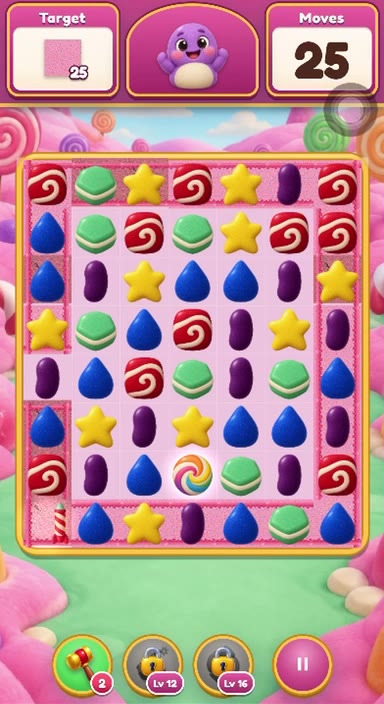
- Match-3 or tile-match puzzles
- Endless runners
- Parking jam and sorting puzzles
- Top-down shooters
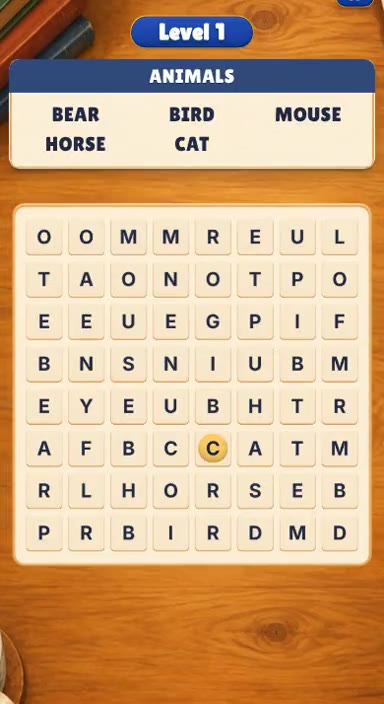
- Word search for a class or a party
- Tower defense with three waves
Browse the templates if you want to start from a working game and change the theme, rules or difficulty.
Limits of making games online
Browser game makers are excellent for 2D, casual and prototype games. They are not the right tool for large open worlds, realistic 3D or console releases. Free tiers also come with limits such as credits or a badge on published games. For most first games, school projects and party games, none of that gets in the way.
Make your game now
Open the free game maker, type one sentence and play your first version in a few minutes, all in your browser.
FAQ
Can I make a game online for free?
Yes. Scratch and GDevelop are free in the browser, and EvonX lets you build, play and share games online for free without a credit card.
Can I make a game online on a Chromebook or phone?
Yes. Browser-based game makers run on Chromebooks, and EvonX also works on phones because everything happens in the browser.
Do I need to download anything to make a game online?
No. Online game makers run in the browser, and players open your finished game from a link without installing it.
Can I make a 3D game online?
Some browser tools support simple 3D, but serious 3D work still needs desktop engines like Unity, Godot or Unreal. EvonX focuses on 2D browser games.