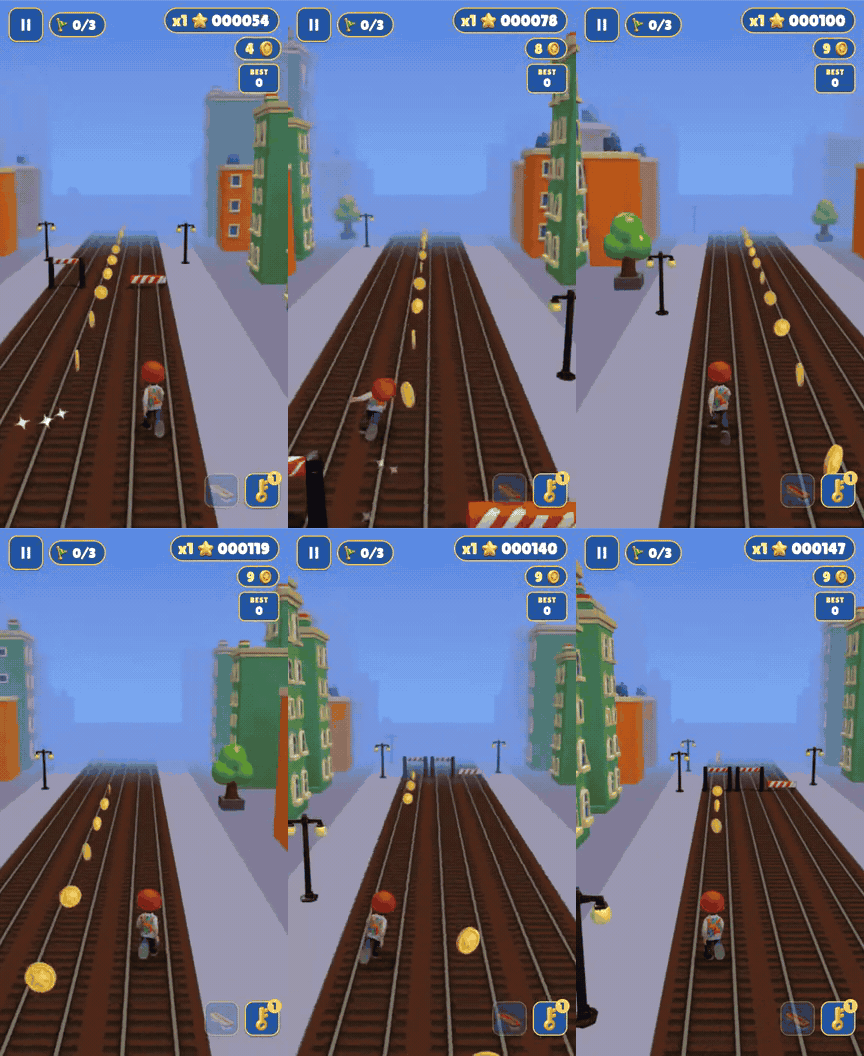
Learning how to make a game feels huge until you split it into small, boring steps. Every game, from a phone puzzle to a console hit, goes through the same loop: an idea, a playable version, testing, and changes. The difference is only scale.
This roadmap is for people who have never made a game. It explains the decisions that matter, the tools that fit each kind of maker, and how to get a first playable build in front of a friend today.
Step 1: Decide what kind of game maker you want to be
Before you touch a tool, answer one question: do you want to learn programming, or do you want to make a game you can play and share? Both are fine. They just lead to different tools.
- I want to learn to code. Start with Scratch (blocks) or Python with Pygame, then move to Godot or Unity.
- I want to design games, not code them. Use a visual engine like GDevelop or Construct, or an AI game maker.
- I want a playable result this afternoon. Use an AI game maker, where you describe the game in a sentence and play it in your browser a few minutes later.
There is no wrong answer. Many developers started by making something small quickly, liked it, and only then learned an engine.
Step 2: Shrink your idea to one action
Beginners usually fail by starting too big. "An open-world RPG with crafting" is a team project for years. Your first game should be built around one action the player repeats:
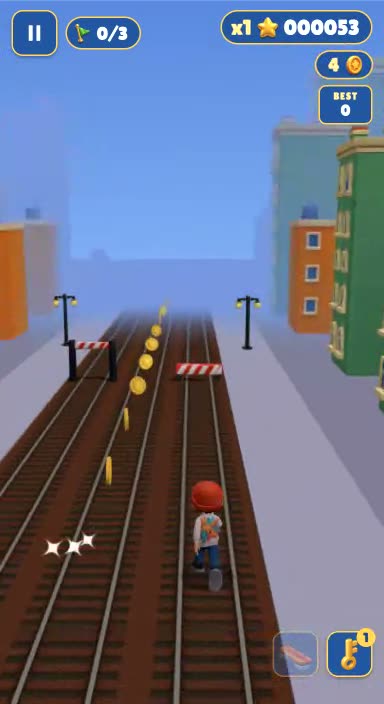
- Tap to jump over obstacles (runner)
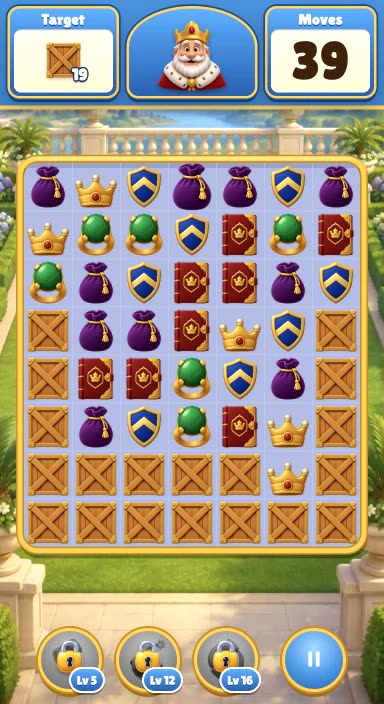
- Swap tiles to match three (match-3)
- Slide cars out of a parking lot (puzzle)
- Move and shoot enemies coming from the top (shooter)
- Place towers along a path (tower defense)
Write the idea as one sentence that says who the player is, what they do, and how they win or lose: "A cat runs across rooftops, jumps over chimneys and collects fish. Hitting a chimney ends the run."
Step 3: Pick your tool
Here is how the common options compare for a first game.
| Tool | How you build | Learning curve | Good first project |
|---|---|---|---|
| Scratch | Code blocks | Low | Simple 2D games, school projects |
| GDevelop / Construct | Visual events | Medium | 2D platformers and puzzles |
| Godot | GDScript code | Medium to high | 2D or 3D games with full control |
| Unity | C# code | High | 3D, mobile, commercial projects |
| Roblox Studio | Lua inside Roblox | Medium | Games that live on Roblox |
| AI game maker (EvonX) | Plain-language prompts | Very low | 2D browser and phone-style games |
If you want to see something playable before you commit to learning, start with an AI game generator. EvonX builds a TypeScript and Phaser project from your sentence and opens it in a phone-sized preview, so you can play it in the same tab.
Step 4: Build the first playable version
The goal of version one is not to be good. It is to be playable from start to finish: the player can start, do the main action, and win or lose.
With a code engine, that means a player object, input, one obstacle or enemy, a score and a game-over screen. With an AI game maker, your sentence from Step 2 is the prompt. A few details make the first result much better:
- Name the genre: "endless runner", "match-3", "top-down shooter".
- Name the controls: "tap to jump", "drag to move".
- Name the fail state: "three hits and it's game over".
- Name one style detail: "pixel art", "neon", "cute cartoon".
Not sure where to start? Remix one of the game templates, such as runner, match-3, block puzzle, parking jam or tower defense, and change it to fit your idea.
Step 5: Play it, then change one thing at a time
Play your game five times in a row. Note what feels too easy, too hard or boring. Then fix one thing per round. In EvonX, you do this by typing the change: "make the chimneys appear a little less often", "add a combo multiplier", "show three hearts for lives". Each change is saved as a new version, so you can go back if something breaks.
Changing one thing at a time matters in every tool. If you change five things and the game feels worse, you will not know why.
Step 6: Playtest with someone who has never seen it
You know your game too well. Hand it to a friend and stay silent. Watch for three things: do they understand what to do in ten seconds, where do they lose, and do they press "play again"? Turn every confusion into a concrete change.
Step 7: Share it
A finished small game beats an unfinished big one. With EvonX, a published game gets a link that friends open in a phone or desktop browser, with no app store and no install. Code engines can export to the web too, though setup takes longer.
What making a game with AI can and can't do
AI game makers are great for 2D arcade, puzzle, runner, shooter, idle and tower defense games, for prototypes, game jams and school projects. They are not built for large 3D or AAA projects, and a store-ready game still needs design work like many levels and careful balancing. If you outgrow it, Godot or Unity is a natural next step, and you will arrive knowing what makes a game fun.
Ready to make your first game?
You now know the whole loop: one-sentence idea, a tool that fits you, a playable first version, small changes, a playtest and a link. Open the free game maker, type your sentence, and play your first version in a few minutes.
FAQ
How do I make a game with no experience?
Start with a one-action idea and a beginner tool. An AI game maker turns a sentence into a playable game, while Scratch teaches you programming with blocks. Both work without any experience.
How long does it take to make a game?
A first playable version takes minutes with an AI game maker and a few days with an engine you are learning. A polished game with many levels takes weeks to months, whatever the tool.
Can I make a game for free?
Yes. Scratch, GDevelop, Godot and Unity's personal plan are free, and EvonX is free to start without a credit card. See pricing for what the paid plans add.
Do I need to know how to code to make a game?
No. Visual engines and AI game makers let you make games without writing code. Coding gives you more control later, but it is not required to make and share a first game.