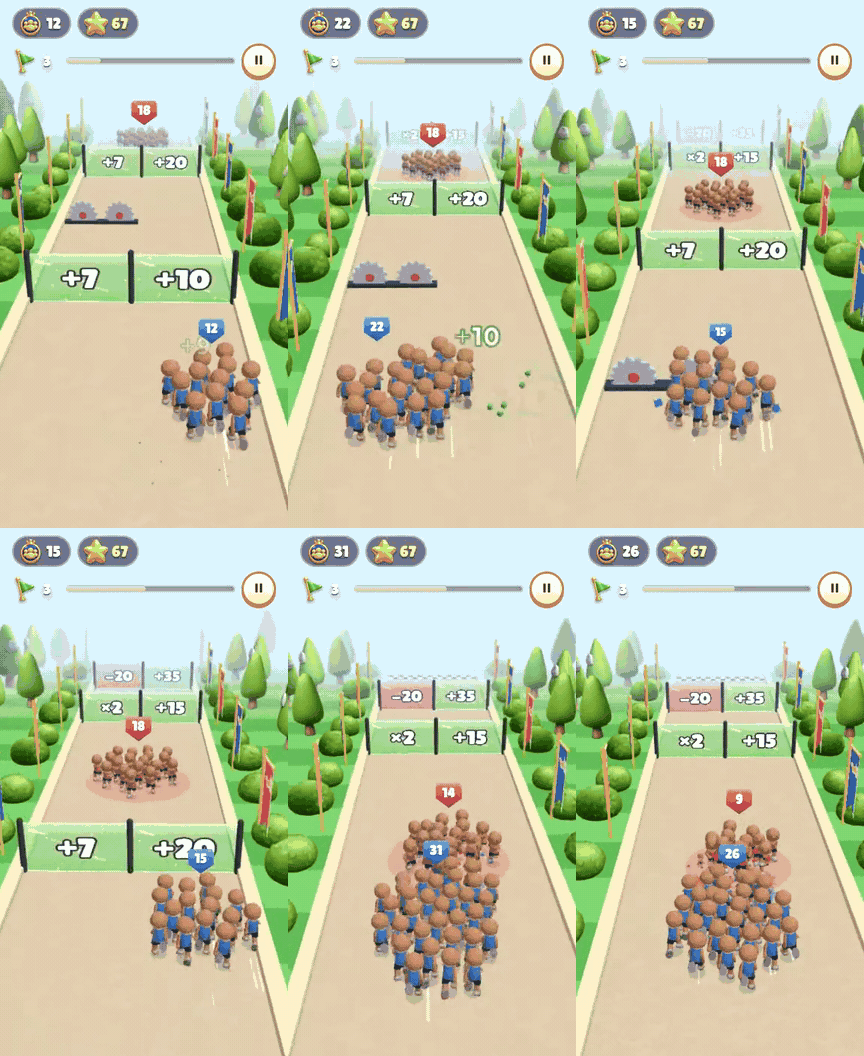
Millions of players want to know how to make a game on Roblox. The good news: Roblox Studio is free and comes with templates, so you can have a playable world in an afternoon. This guide walks through the real steps, explains what you can't do (like building on a phone), and shows when making a game outside Roblox is the faster route.
What you need to make a Roblox game
- A Roblox account (free).
- Roblox Studio, Roblox's free editor, downloaded from Roblox's Creator Hub.
- A Windows PC or a Mac. Roblox Studio does not run on phones, tablets or most Chromebooks.
- Patience for scripting. Simple worlds need no code, but game rules are written in Luau, Roblox's version of Lua.
Step 1: Install Roblox Studio and sign in
Download Roblox Studio from the Roblox Creator Hub, install it and log in with your Roblox account. Your games are saved to your account, so you can open them on another computer later.
Step 2: Start from a template
Click New and pick a template. Good starting points:
- Baseplate: an empty flat world, best if you want to build from scratch.
- Obby: an obstacle course, the most popular beginner genre.
- Racing, village, castle and others: ready-made worlds you can change.
Starting from a template gives you spawn points, lighting and a camera that already work.
Step 3: Build your world
Use the Part tool to add blocks, then move, scale and rotate them. Change colors and materials in the Properties panel. The Toolbox has free models made by the community; check them before using, because some contain broken or unwanted scripts.
For an obby, place platforms with gaps, add a few moving parts and put a finish line at the end.
Step 4: Add your first script
Game rules live in scripts. A classic first script is a "kill brick" that resets the player when they touch lava:
- Select a part and insert a Script into it.
- In the script, listen for the part's Touched event.
- When a character touches it, set the humanoid's health to zero.
Roblox's official documentation has a copy-ready example for this. From there you can learn checkpoints, leaderboards and coins, all in Luau.
Step 5: Playtest
Press Play to test as a player. Try to break your own game: can you skip a section, get stuck or fall through the floor? Fix it, then test again. Ask a friend to play it too.
Step 6: Publish your game
Use File → Publish to Roblox, give the experience a name and description, and save. New experiences start private. To let others play, open the game settings (in Studio or the Creator Hub) and make it public. Roblox may ask you to fill in content questions first.
If you want to sell items or perks, Roblox uses game passes and developer products, which you set up in the Creator Hub after publishing.
Can you make a Roblox game on a phone?
No. Roblox Studio only runs on Windows and macOS. On a phone or tablet you can play Roblox games but not build them.
If you are on a phone and simply want to make your own game you can share, an AI game maker is an alternative. With EvonX you describe the game in a sentence, play it in your browser a few minutes later and change it by chatting. The game is not a Roblox experience; it lives on its own link that friends open in any browser.
Roblox Studio or an AI game maker?
| Roblox Studio | EvonX | |
|---|---|---|
| Where the game lives | Inside Roblox | Its own browser link |
| Device | Windows or Mac | Any browser, including phones |
| How you build | 3D editor plus Luau scripts | Plain-language prompts |
| Built-in audience | Roblox players | Whoever you share the link with |
| Best for | Obbies, tycoons, multiplayer worlds on Roblox | Fast 2D games like runners, puzzles, shooters |
Pick Roblox Studio if you want to be part of the Roblox world and are ready to learn Luau. Pick an AI game maker if you want something playable today, on any device, without learning an editor. Many young creators do both.
Tips for your first Roblox game
- Start with an obby. It teaches building, checkpoints and testing.
- Keep it short. Five good stages beat fifty broken ones.
- Learn one script at a time. Kill bricks, then checkpoints, then a leaderboard.
- Watch real players. Their confusion is your next to-do list.
Make a game today
If you have a PC or Mac, install Roblox Studio and build an obby this weekend. If you are on a phone or want a faster start, open the AI game generator, describe a game and play it in minutes. Need ideas? Browse the game templates.
FAQ
Is it free to make a game on Roblox?
Yes. Roblox Studio is free, and publishing an experience is free. Roblox earns money from in-game purchases made with Robux.
Do you need to code to make a Roblox game?
You can build a world without code, but rules like checkpoints, scores and traps need scripts written in Luau, Roblox's version of Lua.
Can I make a Roblox game on my phone or iPad?
No. Roblox Studio runs on Windows and macOS only. On a phone, you can make a different kind of game with a browser-based AI game maker.
How do I make my Roblox game public?
After publishing from Studio, open the experience's settings and change it from private to public. You may need to complete Roblox's content questions first.