Portrait · Touch-first · Mobile preview
Mobile game maker: build a phone game from one sentence.
Mobile games are built for portrait screens and touch. Evonx sets up that frame by default — you play in the phone preview while you build, and published games open in any mobile browser.
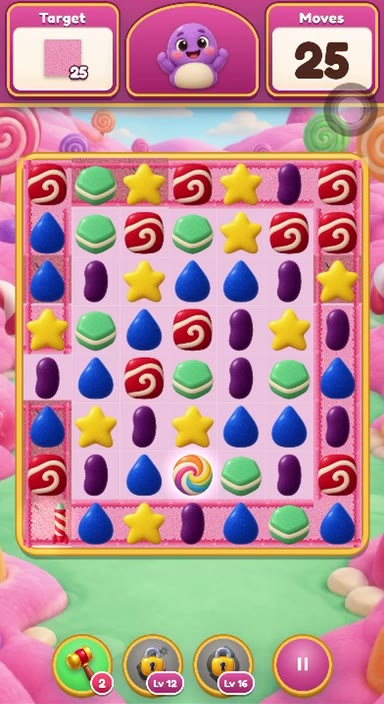
How do you make a mobile game? Classic path vs shortcut
Classic path: learn Unity or Godot, wire touch controls yourself, build and test — often weeks. Shortcut: describe the game; Evonx sets portrait layout, touch targets and level loops, and you play in the mobile frame within minutes.
Evonx games are not packaged as store apps; when you publish, a link opens in mobile browsers on both Android and iPhone.
Hit mobile genres with ready templates
Name one of these genres and Evonx usually starts from the matching template.
Match-3
Combos, boosters and level goals — the familiar mobile puzzle loop.
Blast
Color clears and chain reactions.
Parking jam
Tap cars out of the lot — one-thumb portrait play.
Block puzzle
Slides, clears and level-complete screens.
Endless runner
Tap or swipe to dodge obstacles.
Survivor shooter
Hordes, skill picks and level-ups.
Tower defense
Waves, placement and upgrades.
Idle / tycoon
Passive income and upgrade loops.
Farm builder
Collect resources and expand.
Bus puzzle
Color matching and queue management.
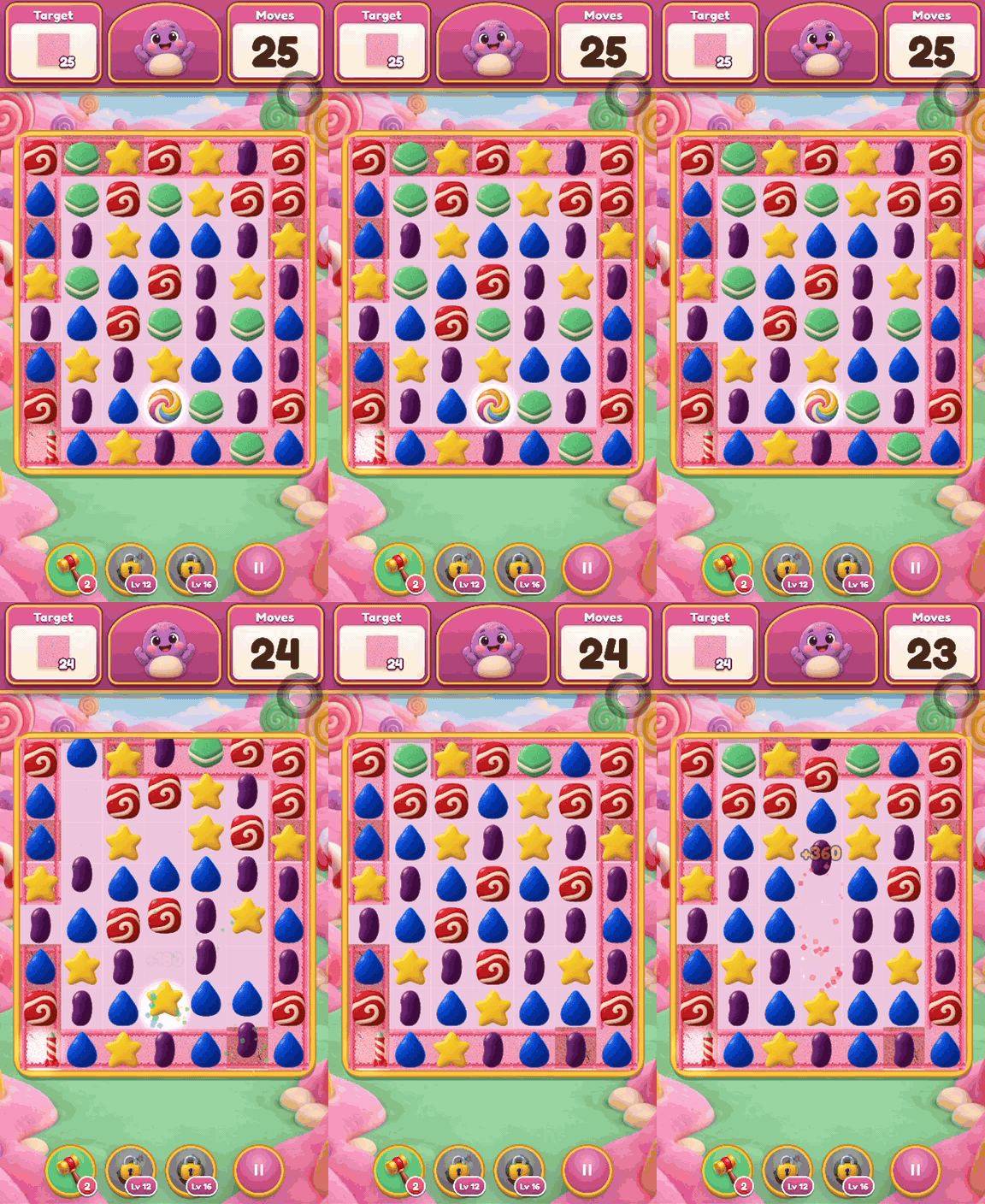
Recorded examples: match-3, parking, block and shooter
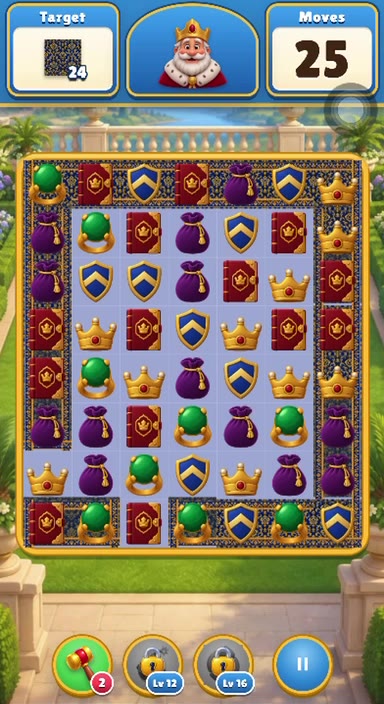
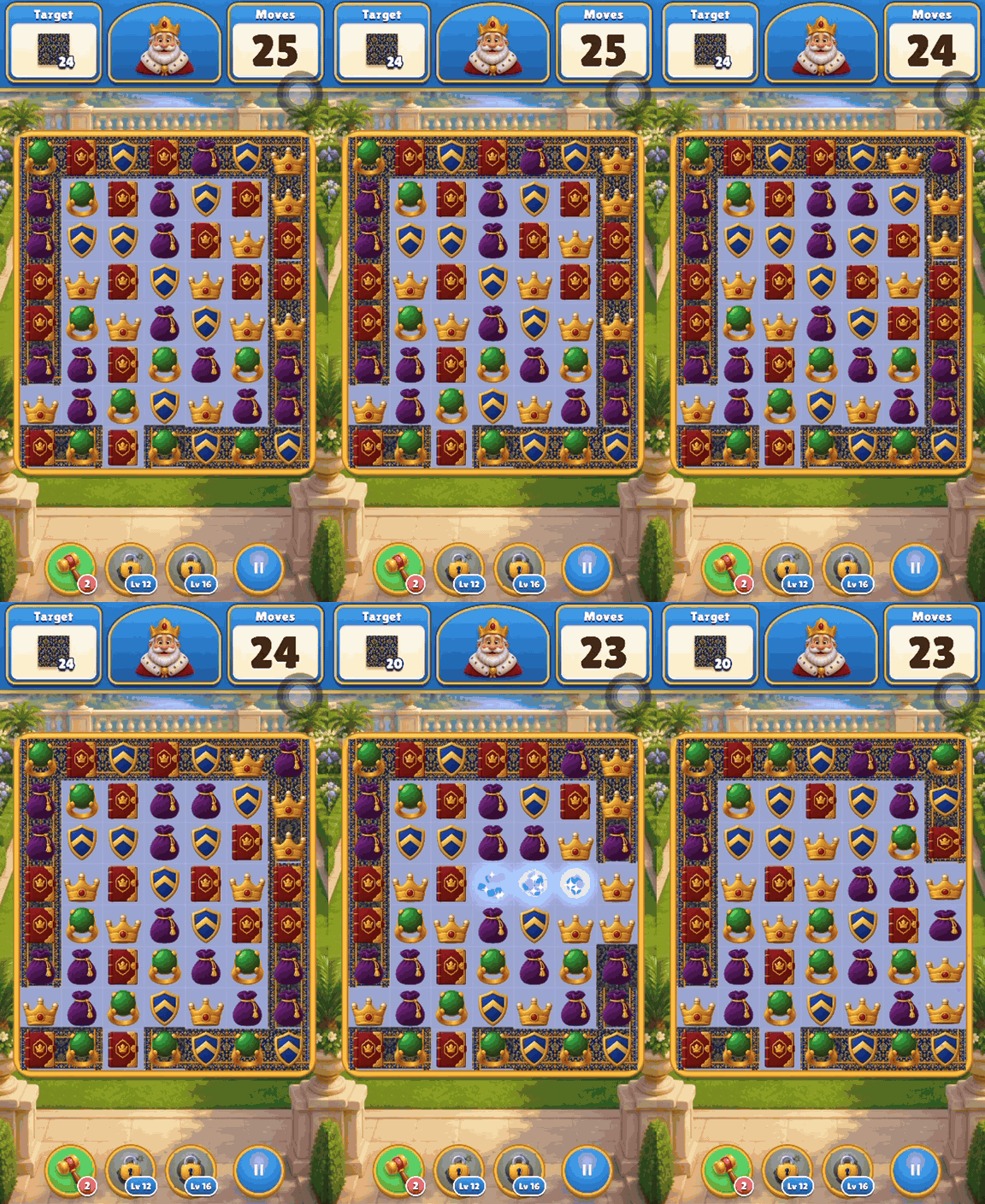
Royal Match-3
“A match-3 game set in a royal medieval castle”
Candy Match-3
“Make it candy-themed”
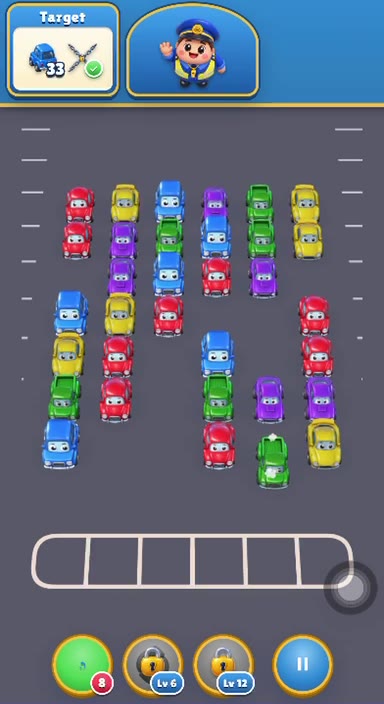
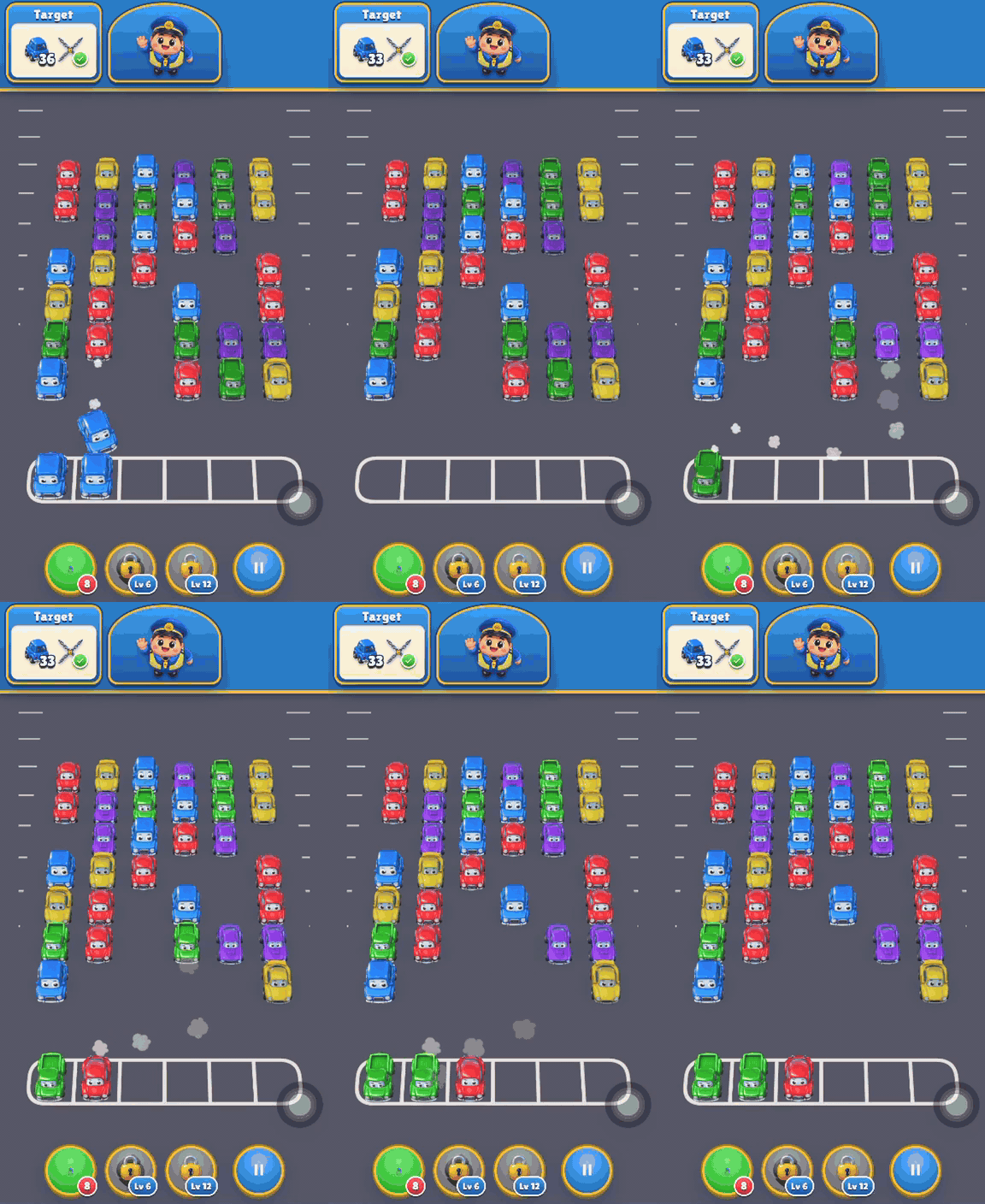
Parking Jam
“A parking jam game where I tap the cars out of the lot”
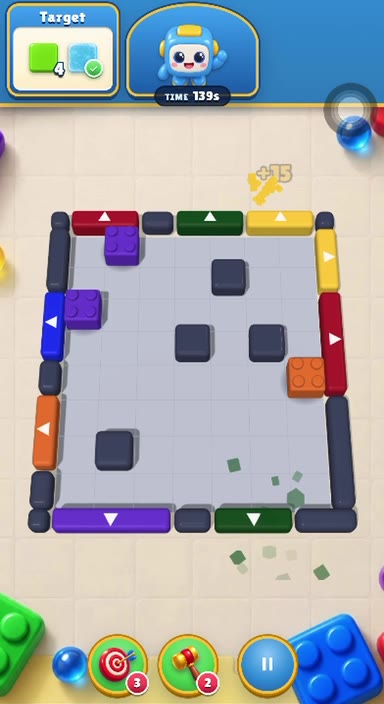
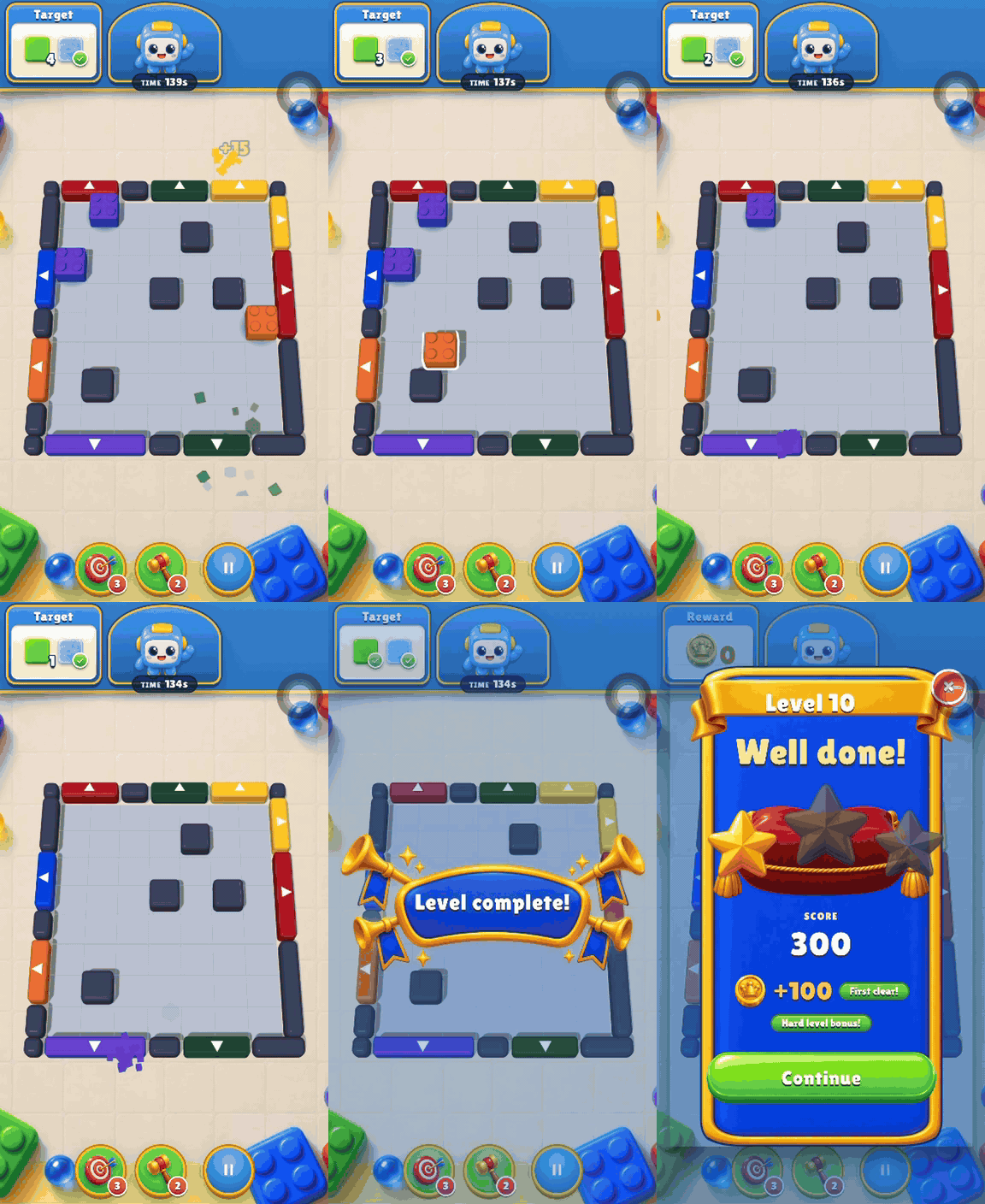
Block Rush
“A sliding-block puzzle with a level-complete screen and a score”
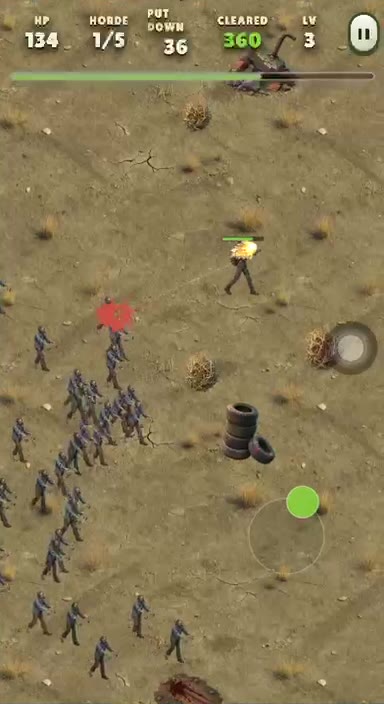
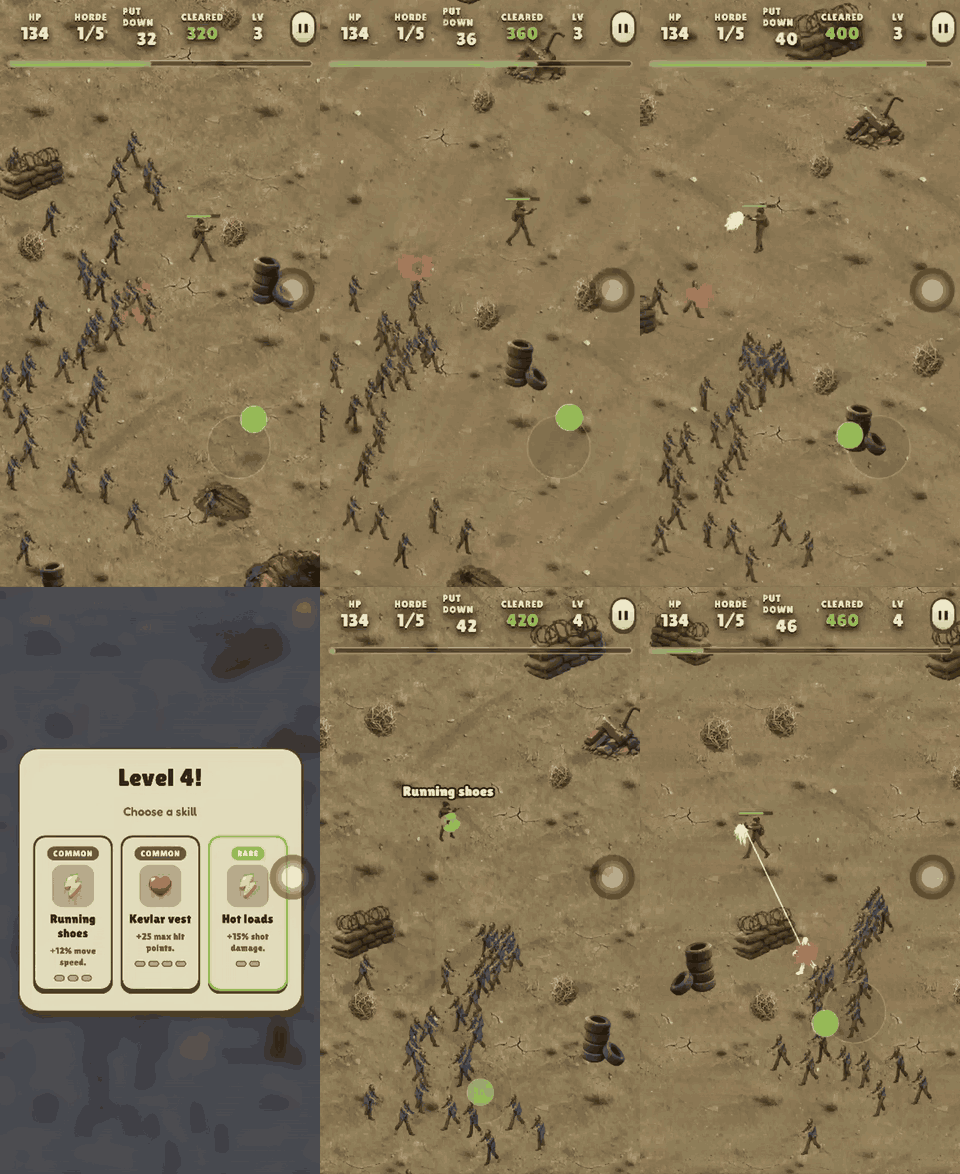
Zombie Horde
“A zombie survival shooter where I pick a new skill every level”
Levels, boosters, progression — like a real mobile game
Levels and goals
Level goals, move counters and level-complete screens — the loop players already know.
Boosters and combos
Cascades, line blasts and power-ups that make a board feel alive.
Skills and progression
Level-up skill picks and upgrade trees that keep every run interesting.
Game feel
Hit flashes, particles, screen shake and sound — the juice that separates a game from a prototype.
Game services included
Player accounts, cloud saves, leaderboards and remote config come with every game.
Real code you own
A TypeScript + Phaser project, portrait and touch-first, that runs in any mobile browser.
Same game, new theme
Levels and rules stay put; say "make it candy-themed" and pieces, colors and mood change. Compare medieval to candy with the slider:
Can I upload to the Play Store or App Store?
Evonx games are web-based: publishing gives you a link that opens in mobile browsers. Native App Store or Play Store upload is not offered today. Share the published link with friends on Plus or Pro.
Mobile game maker FAQ
Can I make a mobile game from my phone?
Evonx runs in the browser on phones too. Games are portrait and touch-first; playing in the mobile preview frame while you build is the most practical workflow.
Which software should I use to make a mobile game?
Traditional choices are Unity, Godot or GDevelop — each needs install and learning time. Evonx is a browser mobile game maker: describe the game instead of wiring an engine.
Will my game work on Android and iPhone?
Yes, in modern mobile browsers. The published link opens on both; there is no store install step.
What does it take to put a game on the Play Store?
Evonx does not produce store packages today. You share a web publish link (Plus/Pro). Store release needs separate developer accounts and packaging — outside what Evonx automates.
Can I add levels and boosters to my mobile game?
Yes. Ask in chat for more levels, difficulty tweaks, booster types or goals — changes apply to the same project.
Is making a mobile game free?
Building and live preview are free on Starter with no credit card. A shareable published link is on Plus and Pro.
Ship a phone game tonight.
One sentence — play in the mobile frame in minutes.
Make a mobile game free