Product · Asset Studio
Give your game its look.
Generate game art, sprites, characters, UI and visual assets alongside the game you are building. Review them in the project, then reuse the ones you approve.
Generate from a description
Ask for the asset you need and get multiple candidates to choose from — scenes, isolated subjects, sprite sheets that play as animations.
Annotate and iterate
Mark up any candidate to say what should change. Regenerate image elements directly from the mockup editor.
Approve and upscale
One approval per need keeps the flow tidy; upscale the winner when you need higher resolution.
One element library
Approved assets live in a shared library bound to your design's elements, so screens reuse the same art instead of drifting apart.
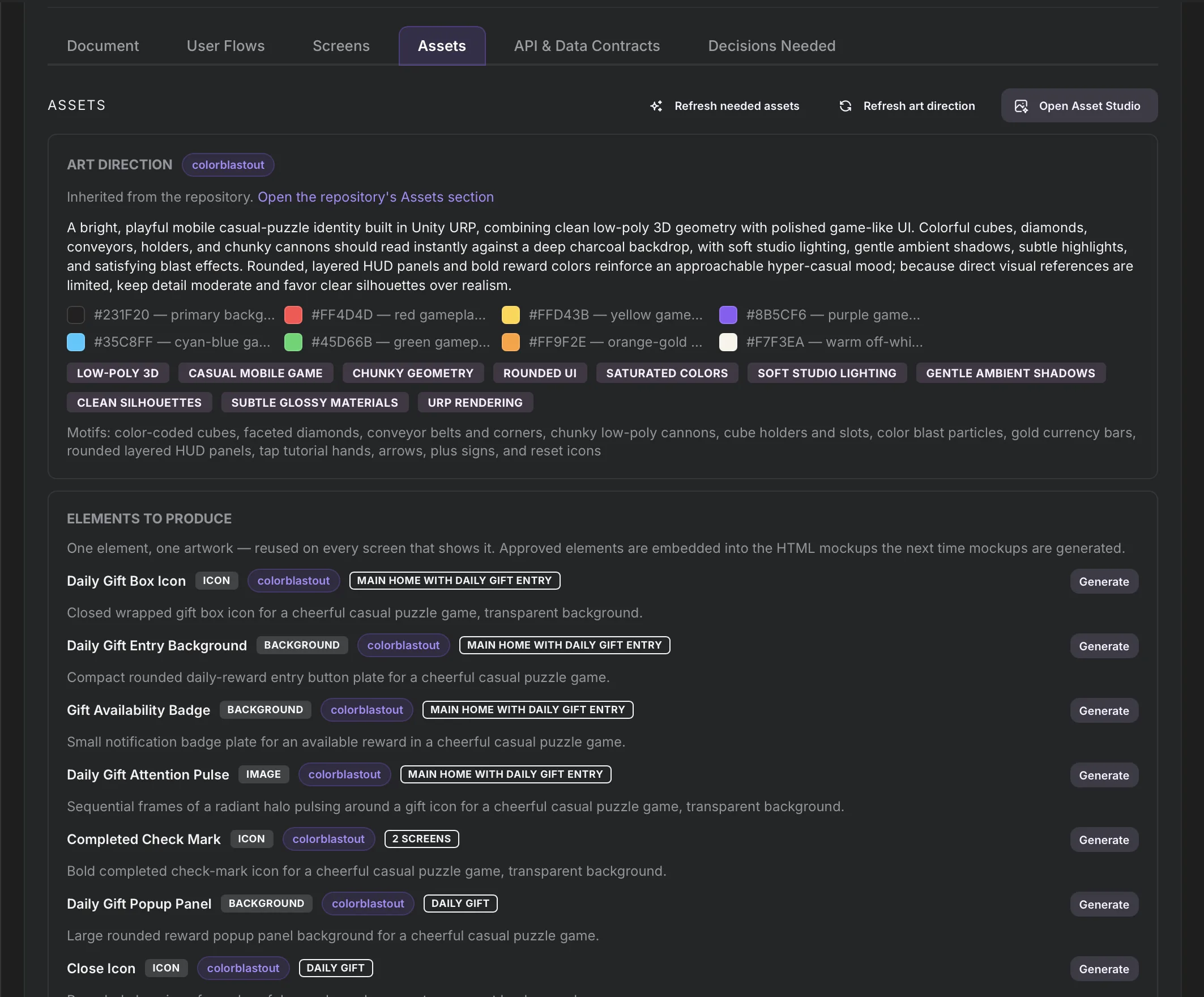
Part of the game
Asset Studio runs in the same chat where the game is built. Approved sprites, characters and UI go into the game's screens and preview.
Menus, icons and store art
The same studio draws a game's menus, icons and store art. Approved assets stay in one library so every screen reuses the same art.
Give your game its look.
Start free and generate the first art for a game.