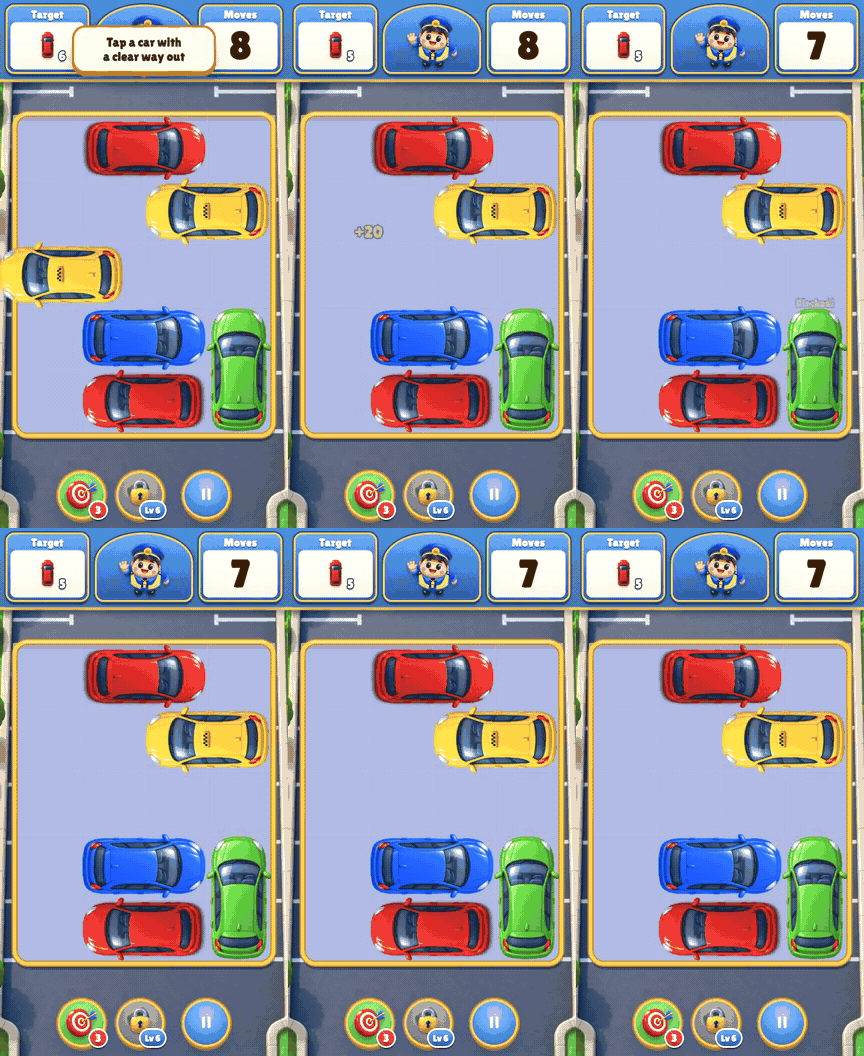
Mobile games are not small PC games. They are played in portrait, with one thumb, in sessions of a minute or two. If you want to know how to make a mobile game, start with those constraints, because they decide everything else: the genre, the controls and even the tool you pick.
What makes a good mobile game
The top casual games share a few traits:
- One-thumb controls. Tap, drag or swipe. No virtual joystick with six buttons.
- Portrait screen. People hold their phone upright on the bus.
- Short sessions. A level should last 30 to 120 seconds.
- Instant clarity. The player understands the goal without a tutorial.
- A reason to replay. Score, stars, a next level or a daily challenge.
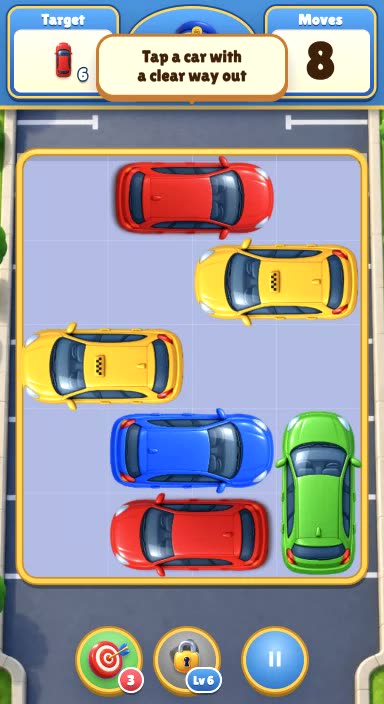
That is why puzzle genres dominate: parking jam, sort puzzles, match-3, tile match, blast and block puzzles all fit one thumb and one minute.
Step 1: Pick a genre that fits a phone
Choose a proven loop for your first game. Copying a genre is normal; copying someone's art or name is not. Good starting genres:
- Parking or bus jam puzzles
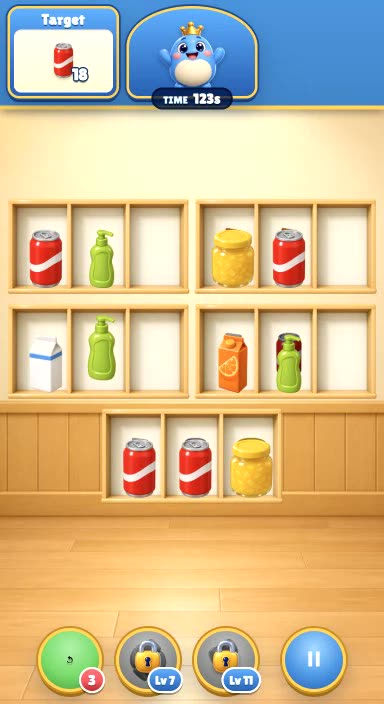
- Sorting puzzles (goods, colors, screws)
- Match-3 and tile match
- Endless or crowd runners
- Idle and tycoon games
- Simple top-down shooters with auto-fire
Step 2: Choose your tool
| Goal | Tool | Notes |
|---|---|---|
| Native app, full control | Unity, Godot | Code (C#, GDScript), export to iOS and Android |
| 2D without code | GDevelop, Construct | Visual events, mobile export possible |
| Fast phone-style prototype | EvonX | Describe it, play it in a phone frame, share a link |
EvonX is a mobile game maker that builds portrait, phone-style games and previews them in a phone-sized frame while it works. The result runs in the mobile browser, so anyone with the link can play it without installing anything.
Step 3: Build the core loop first
Your first build should contain only the loop: input, the main action, a win state and a lose state. With an AI game maker, describe it in one go:
"A parking jam puzzle in portrait. Tap a car to drive it out in the direction it faces. Cars block each other. Clear the lot to win, ten moves limit to lose. Bright cartoon style."
Then play it on your actual phone, not only on a desktop. Thumb reach, button size and text size look very different on a real screen.
Step 4: Tune for thumbs and short sessions
After the first playtest, typical changes are:
- "Make the tap targets bigger."
- "Move the score to the top so my thumb doesn't cover it."
- "Make level one easier and add a second, harder level."
- "Add a short win animation and a next-level button."
In EvonX you type these changes and each one is saved as a version. In an engine, you change the scene and scripts yourself.
Step 5: Decide how players will get your game
You have two realistic paths:
- A browser link. Fastest. Share it in chats, on social media or in your bio. Players tap and play. This is how EvonX games are shared today.
- The app stores. Needs a developer account, store assets, privacy details and review. Usually done with Unity, Godot or another engine that exports native builds.
Many developers validate the idea with a link first, then invest in a store release only if people keep playing.
Honest limits
A good-looking prototype is not a store-ready game. Store hits have dozens or hundreds of levels, careful difficulty curves, sound, analytics and monetization. Use a fast tool to find the fun, then decide how far to take it.
Start your mobile game
Pick a genre from the list, write your one-sentence idea, and try it in the mobile game maker. If you prefer a starting point, open the game templates and remix a puzzle you like.
FAQ
How do I make a mobile game for free?
Use a free engine like Godot or GDevelop, or start with EvonX for free and build a phone-style game that runs in the browser and is shared with a link.
Can I make a mobile game without coding?
Yes. Visual engines and AI game makers let you build mobile-style games without writing code. You describe or assemble the logic instead.
How do I put my game on the App Store or Google Play?
You need a developer account with Apple or Google, a native build from an engine such as Unity or Godot, store assets and a review. EvonX games are shared by browser link rather than store listings.
What is the easiest mobile game to make?
A one-tap or one-swipe puzzle, like a parking jam or sorting puzzle. The rules are simple, the levels are short and it fits portrait screens naturally.