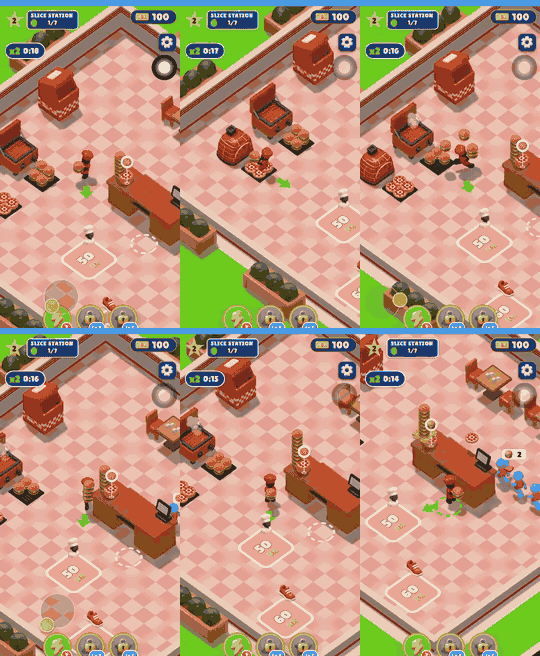
Almost everyone has had a game idea at some point. Maybe it was a platformer starring your dog, or a quiz for a friend's birthday. The good news: you can make your own game today, for free, without learning to code first. Modern tools, including AI game makers, let you go from an idea to something playable in a few minutes.
This guide is for complete beginners. We'll go step by step, from shaping your idea to sharing a link your friends can play.
What you need to make your own game
Less than you think:
- A device with a browser. A laptop works best for typing, but a phone is fine too.
- An idea, even a small one. "A frog jumps between lily pads" is plenty.
- About 30 minutes. That's enough for a first playable version and a few changes.
You don't need to buy software, install an engine or know a programming language.
Step 1: Keep your first idea small
The most common beginner mistake is starting too big. An open-world RPG with crafting and online multiplayer is a dream project, not a first project.
Pick one simple action the player repeats:
- Jump over obstacles (runner)
- Dodge falling objects
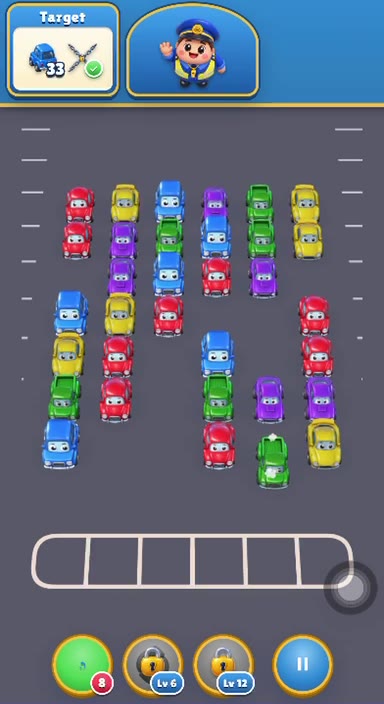
- Match tiles of the same color
- Answer questions before time runs out
- Shoot enemies that fly in from the top
Write your idea in one sentence: who the player is, what they do, and how they win or lose. For example: "You are a penguin sliding down a hill, jumping over rocks and collecting fish. Hitting a rock ends the game."
Step 2: Choose a free game maker
There are several ways to create your own game for free, and the right one depends on how much you want to learn.
- AI game makers (like EvonX): you describe your game in a sentence and get a playable game in your browser within a few minutes. You then change it by chatting. Fastest way to a result.
- Block-based tools (like Scratch): you snap code blocks together. Great for learning how programming works, especially for kids and classrooms.
- Visual event tools (like GDevelop): you build logic with "when this happens, do that" events. More control, more to learn.
- Code-based engines (like Godot): full control, but you'll need to learn a scripting language.
If your goal is to make games without coding and see results fast, an AI free game maker is the easiest place to start. You can always move to a bigger engine later.
Step 3: Describe your game
With an AI game maker, your one-sentence idea from Step 1 is your starting prompt. Paste it in and the AI generates a playable version.
A few tips for a better first result:
- Name the genre. "Endless runner," "match-3" or "top-down shooter" tells the AI a lot.
- Describe the controls. "Tap to jump" or "use arrow keys to move."
- Say how you lose. "Three hits and it's game over."
- Add one detail of style. "Pixel art," "neon colors," "cute cartoon."
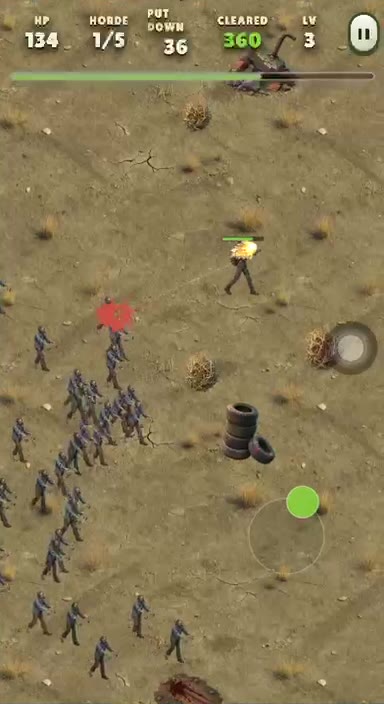
Not sure where to begin? Start from one of the playable game templates instead, such as a runner, match-3, block puzzle or survivor game, and change it to fit your idea.
Step 4: Play it and make changes by chatting
Play your game right away. Then think like a player: what feels too easy, too hard or a bit boring?
Here's where the fun starts. You improve the game by typing what you want:
- "Make the enemies red and a little faster."
- "Add a score table."
- "Add an easy, medium and hard difficulty."
- "Give the player three lives and show them as hearts."
- "Play a short sound when you collect a fish."
Every change is saved as a new version, so if something breaks or you don't like it, you can go back. This is the big advantage of a no-code game maker: you try ideas in minutes instead of days.
Tip: change one thing at a time. If you ask for five changes at once and something feels off, it's harder to tell which change caused it.
Step 5: Test with a real person
You know your game too well to judge it fairly. Hand it to a friend, sibling or classmate and watch them play without explaining anything.
Pay attention to:
- Do they understand what to do in the first ten seconds?
- Where do they get stuck or lose too quickly?
- Do they want to play again?
Turn what you see into new prompts. "They didn't notice the coins" might become "make the coins bigger and add a sparkle effect."
Step 6: Share your game with a link
When you're happy with it, share it. Your game gets a link, and friends can play it in their browser on phone or desktop. No app store, no install. Send it in a group chat, post it for your class, or put it in your bio.
What a free AI game maker can (and can't) do
It's worth having honest expectations:
Great for:
- 2D browser games like runners, puzzles, shooters, quizzes and arcade games
- Fast prototypes and game-jam ideas
- School projects, gifts and party games
- Learning what makes a game fun
Not built for:
- Large 3D or AAA projects
- A polished, store-ready game out of the box. That still takes design work, like building many levels and balancing difficulty.
If you catch the game-making bug and want deep control later, engines like Godot or Unity are a natural next step. Many people start small with an AI tool, then move on once they know what they enjoy.
Common beginner mistakes to avoid
- Starting too big. Finish something small first.
- Changing everything at once. Small steps, test often.
- Skipping playtesting. Other players will spot things you can't.
- Waiting for perfect. A finished simple game beats an unfinished epic.
Ready to make your own game?
You now know the whole process: a small idea, a free tool, a clear prompt, a few rounds of changes, and a link to share. The fastest way to learn is to try it. Open the EvonX free game maker, type your idea, and play your first version in a few minutes. It's free to start and runs right in your browser.
FAQ
Can you really make your own game for free?
Yes. With EvonX you can start for free without a credit card, generate a game from a sentence and play it in your browser. Other free options include Scratch, GDevelop and Godot.
Do I need to know how to code to create my own game?
No. AI game makers let you make games without coding: you describe what you want in plain English, and you change the game by chatting with the AI.
How long does it take to make a simple game?
With an AI game maker, a first playable version takes a few minutes. Shaping it into something you're proud of usually takes from half an hour to an afternoon of small changes and testing.
Can I play my game on my phone?
Yes. Games run in the browser on both phone and desktop, and you can share them with a link so friends can play without downloading anything.