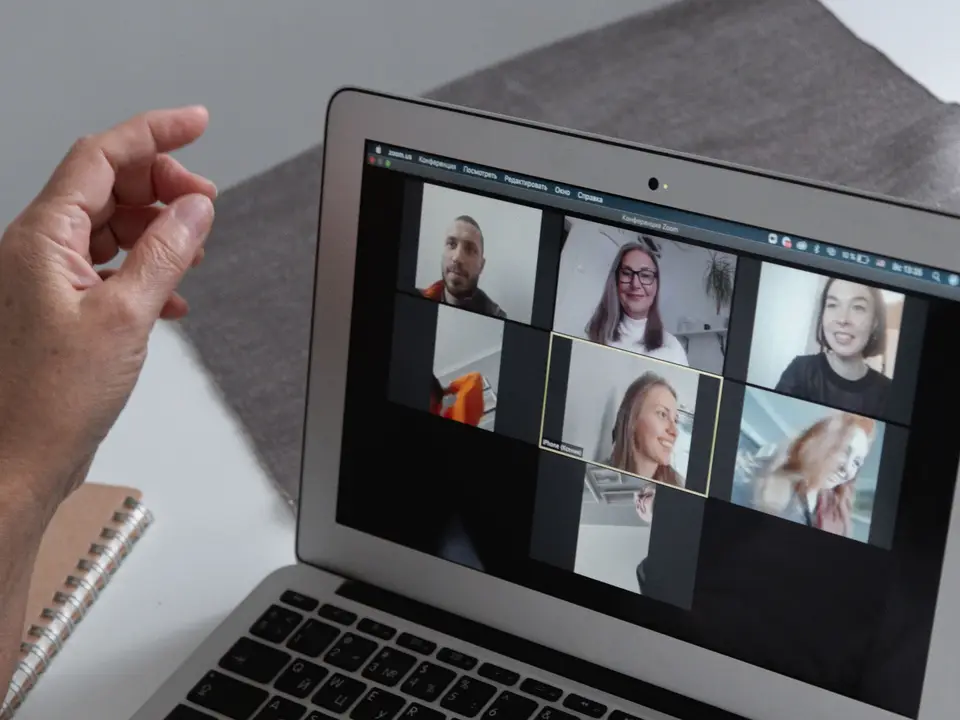
Cohort calls twice a week
Tuesday is a teaching session, Thursday is critique night. Cameras on, ten-minute turns, one rule: say what you would try next.
Draftboard Studio is an eight-week online course for people who can already open Figma and want to design something a stranger could use. You ship one real case study, get written and spoken feedback from working designers, and leave with a portfolio piece you are not embarrassed to send.

Tuesday is a teaching session, Thursday is critique night. Cameras on, ten-minute turns, one rule: say what you would try next.
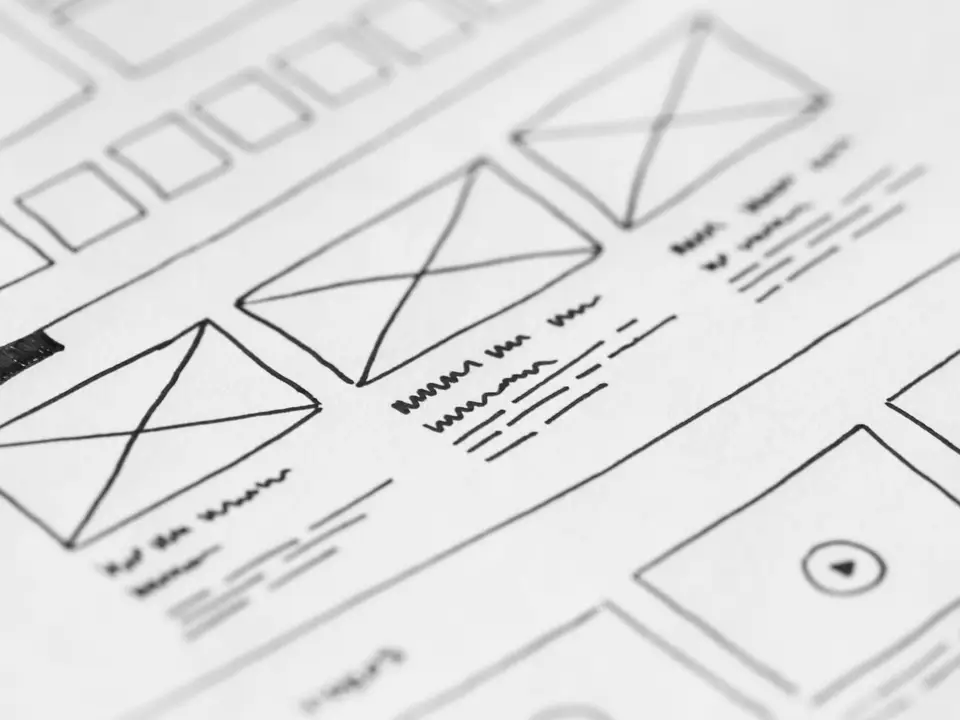
You redesign the booking flow of a small real business, from messy sketches to a clickable prototype and a case study that explains your choices.
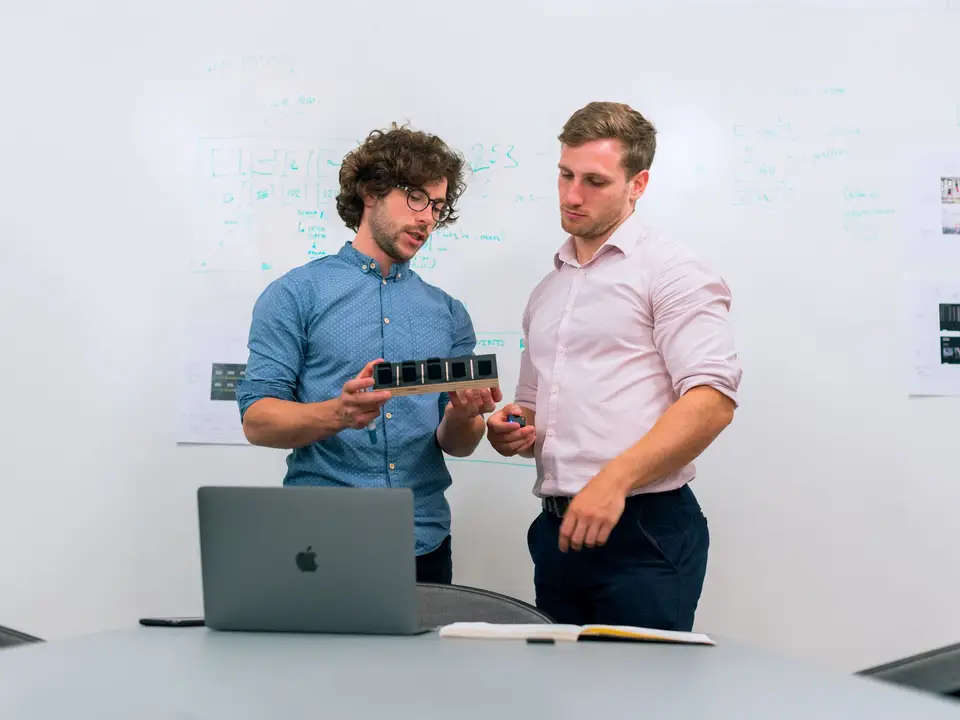
Each student is paired with a practising designer for two 25-minute reviews. They mark up your Figma file with comments, not vague praise.
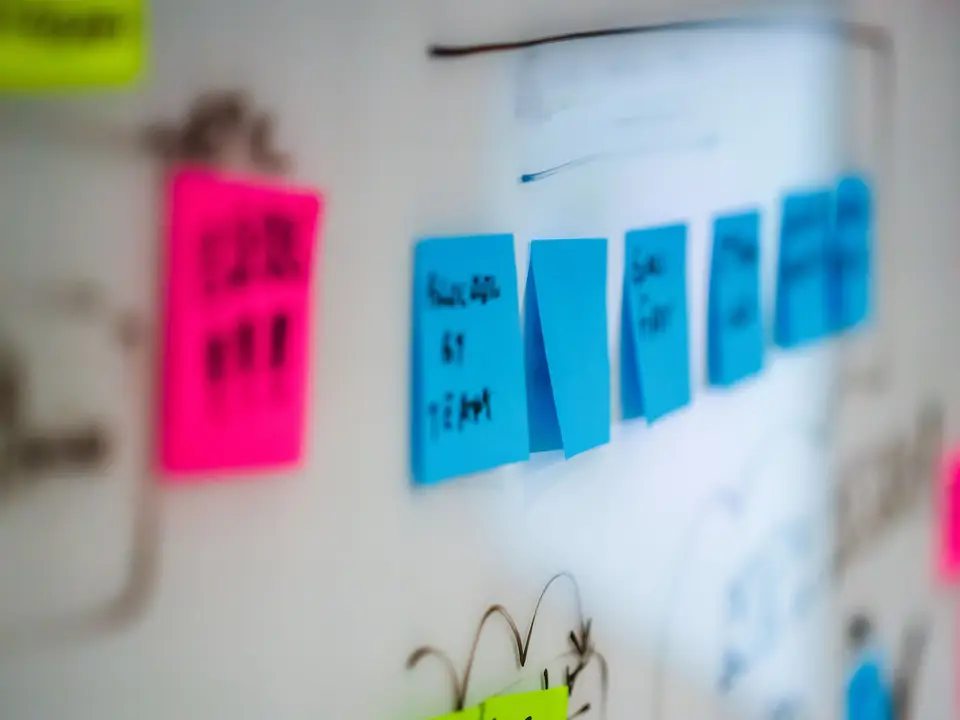
The cohort chat keeps going after week eight. Alumni post job leads, trade portfolio feedback and run a monthly sketch-off.
Every week ends with something you can show a hiring manager.
Learn to write a screener, run a thirty-minute call and pull out the one sentence that changes your brief.
Turn interview notes into a journey map, then defend the single problem you will solve.
Paper wireframes, a guerrilla test with five strangers and a one-page list of what broke.
Components, spacing, type and a clickable flow in Figma, with a design review at the end of each week.
Structure the story so a recruiter understands your decision in ninety seconds.
Present to a panel of three hiring designers and get a scorecard you can quote in applications.
All plans include the full video library and lifetime access to the studio channel.
Self-paced with templates.
$290 / course
The course as designed.
$890 / course
Add a one-to-one mentor.
$1,290 / course
No degree is required, but you should already be comfortable with Figma frames and auto layout. A free pre-work module covers the rest.
Plan on six to eight: four hours of project work, two live calls and an hour of peer review.
Every call is recorded and captioned within two hours, and you can submit critique questions in writing.
You can leave within seven days of the first live call for a full refund, no explanation needed.
Share a link to anything you have designed. We read every application and reply with a yes, a not-yet, or a pre-work suggestion.