A booking page carriers actually use
Send drivers a link, not a phone number. They pick a door and a window, and double bookings are impossible because the page only shows what is free.
Independent warehouses still schedule inbound trucks with a whiteboard, a shared spreadsheet and a lot of phone calls. Dockhand is the smallest useful replacement we could build: a booking page for carriers, a live door board for your dock lead, and a text message that goes out when a trailer is ten minutes away. It does very little, and that is the point of shipping it this month.
Free for the first ninety days. Setup takes one afternoon on your dock.

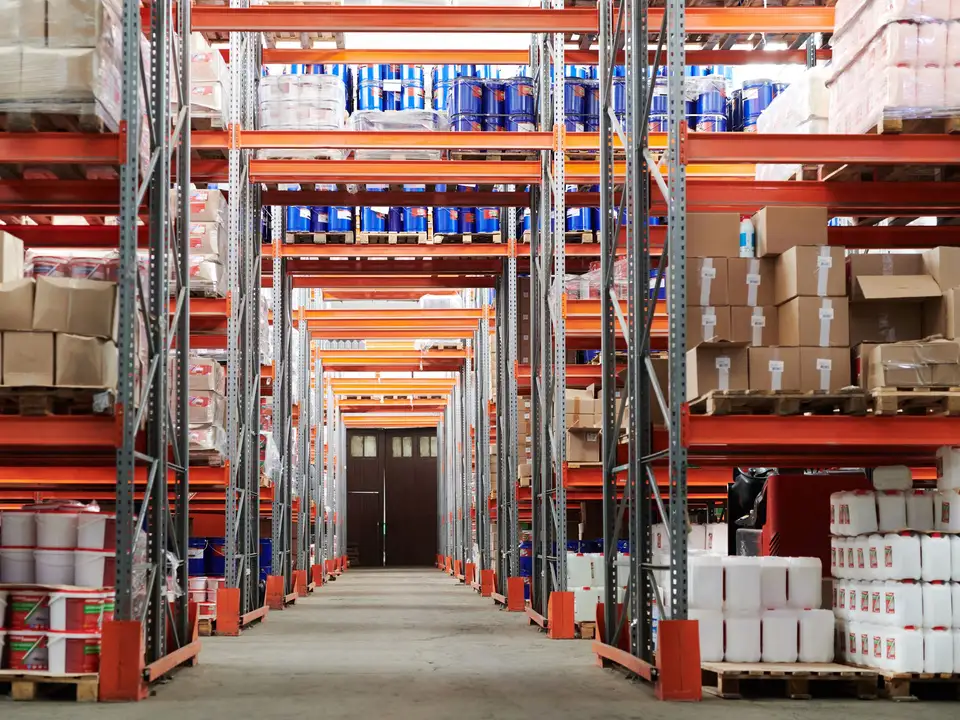
Photographs from the four sites that tested Dockhand before we let anyone else in.


We cut the roadmap down to what a dock lead actually touches in a shift. Everything else waits for your feedback.
Send drivers a link, not a phone number. They pick a door and a window, and double bookings are impossible because the page only shows what is free.

One screen shows which trailers are waiting, unloading or finished, with a clock for each door that turns amber when a slot runs long.

Dockhand pings your lead ten minutes before arrival and pings the driver when the door opens, so nobody idles with the engine running.

Every arrival, door change and departure is time-stamped. When a carrier disputes a wait, you send one page instead of arguing from memory.
The evening lead opens the board and sees what the morning lead promised, including the notes that used to live on a sticky pad.
Someone from Dockhand spends an afternoon at your site, counting doors, timing a few unloads and talking to the people who run them.
Set window lengths, which doors take which freight, and who is allowed to override a booking when a driver shows up early.
We help you send the first links to your five busiest carriers and answer their questions on the phone for the first week.
Together we read the detention log, move what is not working and write down what you wish the tool did next.
“The first Monday, a driver told me it was the first time anyone had asked him which door he wanted. He booked the next four loads the same day.”
“I do not need a platform. I need to stop writing arrival times on my hand. This does that, and it was running before lunch.”
“Dockhand is rough in places and the founders know it. They also fixed the thing I complained about before I finished my coffee.”
Pricing for version 0.2 is a flat 149 dollars per month per site, with no per-door or per-truck fees. We will tell you well before your free ninety days end.
No. A driver opens your link, picks a window and gets a confirmation by text. Dispatchers can keep a login if they like seeing their upcoming loads.
Not yet. Version 0.1 stands alone on purpose. A simple export to a spreadsheet is available and a real integration is next on the list.
The door board keeps showing the last known state and queues updates until the connection returns. The paper log in the office is still the backup.
Yes. Many sites start with the two busiest doors and add the rest after a week.
Pick a day for a dock walk and we will bring the laptop, the printed door board and a box of donuts.
Tell us about your site and how trucks reach it today. We answer every request the same day with a few dates that work.